
Download Microsoft Football Scoreboard – World Cup, Real-Time Updates, Team Selection, Timezone Adjustments
Overview
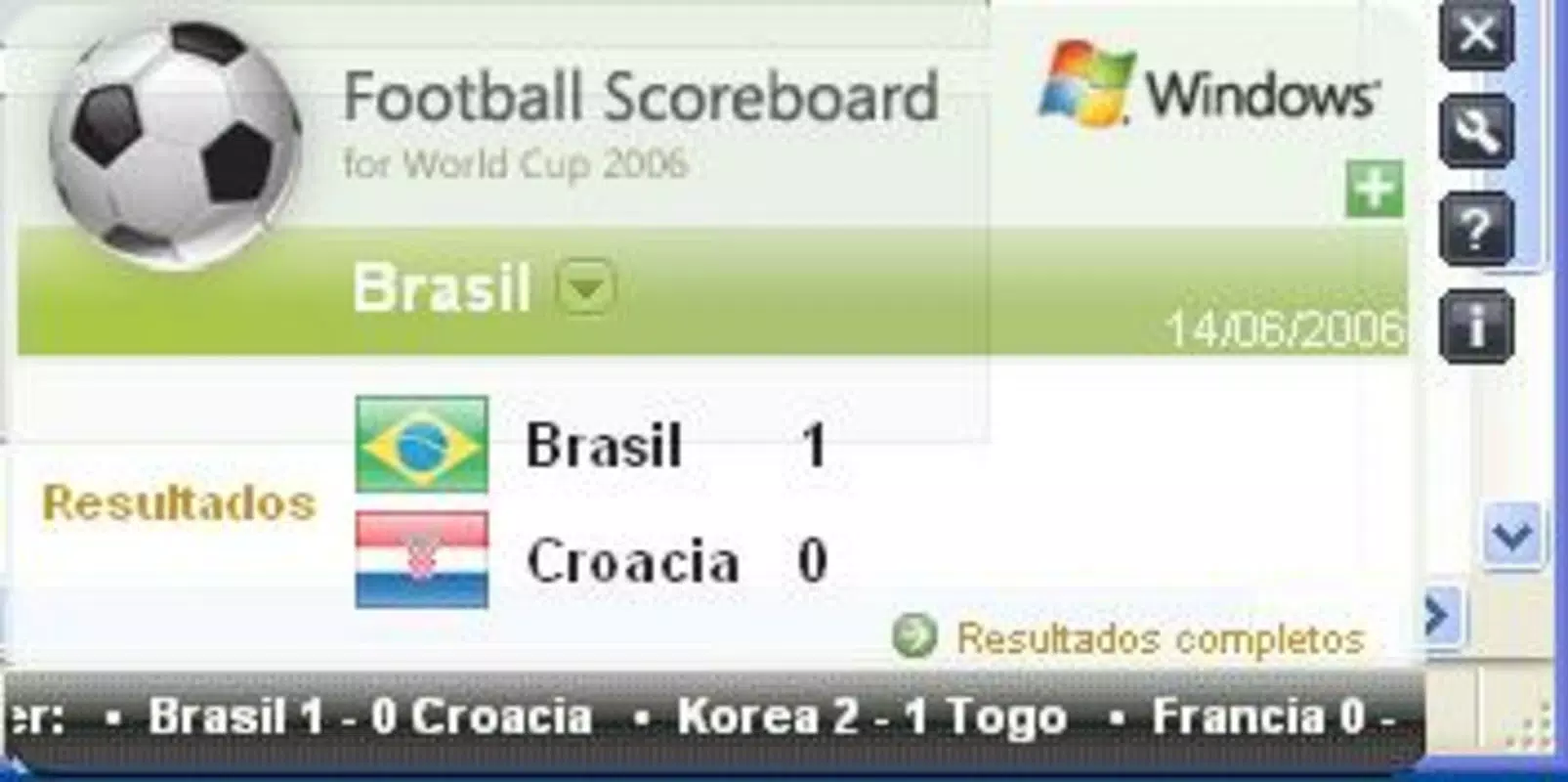
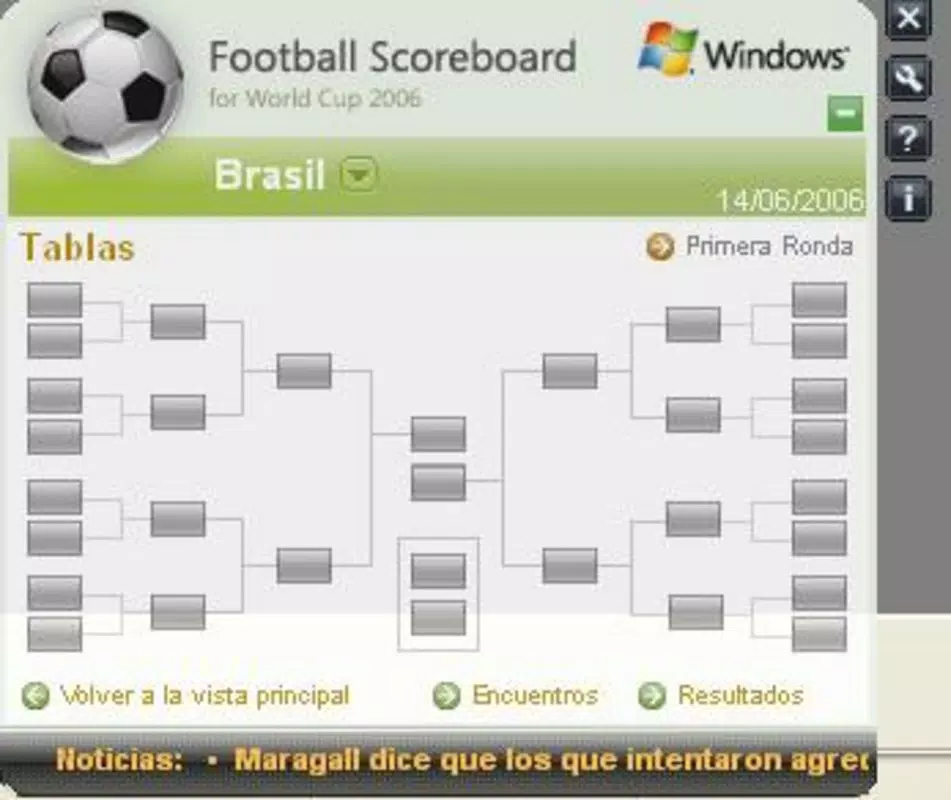
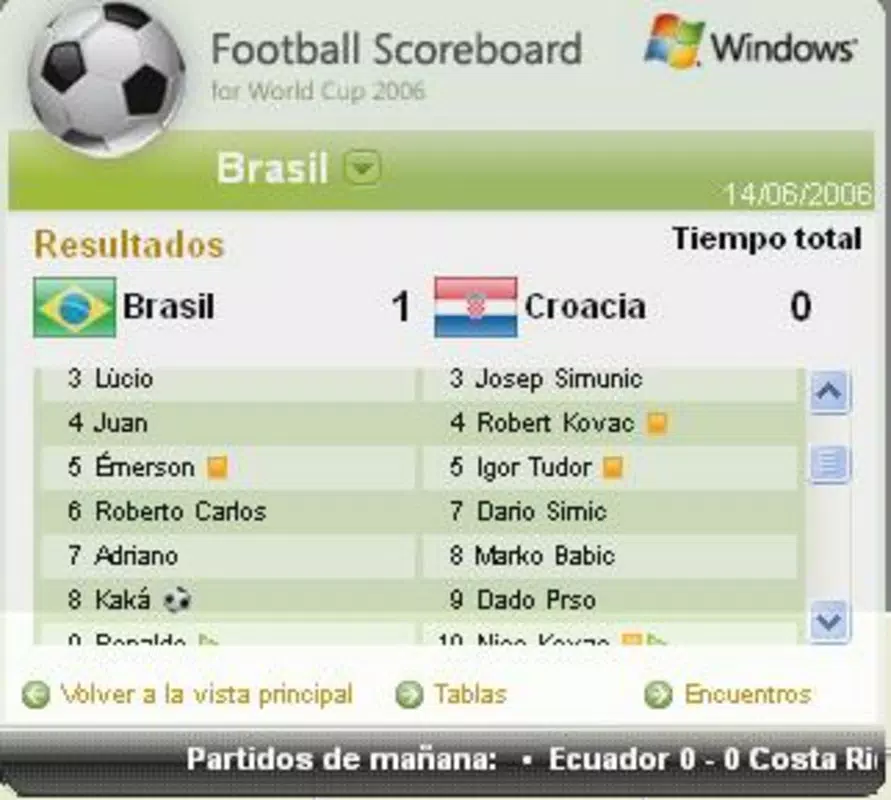
Microsoft Football Scoreboard is a specialized utility designed to deliver real-time football match data during the World Cup in Germany. Tailored for fans who are unable to watch games live due to professional or personal commitments, the app integrates directly into the computer’s system tray, offering a discreet yet informative interface. Its primary purpose is to keep users updated on match results, standings, team lineups, and news via RSS feeds, ensuring continuous access to critical game information without requiring active monitoring.
The application targets football enthusiasts, particularly those in time-sensitive work environments who still wish to stay engaged with the tournament. By minimizing screen time and maximizing information density, Microsoft Football Scoreboard serves as a practical tool within the broader ecosystem of sports tracking utilities. It reflects a focused effort by Microsoft to support event-driven engagement through lightweight, system-integrated software. Although the developer did not provide additional background on the app’s development team or broader product line, its release in 2006 indicates a historical effort to support major global events with dedicated digital tools.
Real-world use cases include monitoring match outcomes during office hours, checking team performance after work, or verifying lineup changes before a game. The app’s integration with RSS feeds suggests a reliance on external content sources for news and updates, which may affect the timeliness and consistency of information depending on feed availability.
Key Features & Functionality
- Real-Time Updates: The app pulls live match results, standings, and team lineups using RSS feeds. This ensures users receive timely information without needing to open a browser or navigate complex websites.
- Timezone Adjustments: Users can configure match times according to their local timezone, eliminating the need for manual time conversion and improving accessibility for international fans.
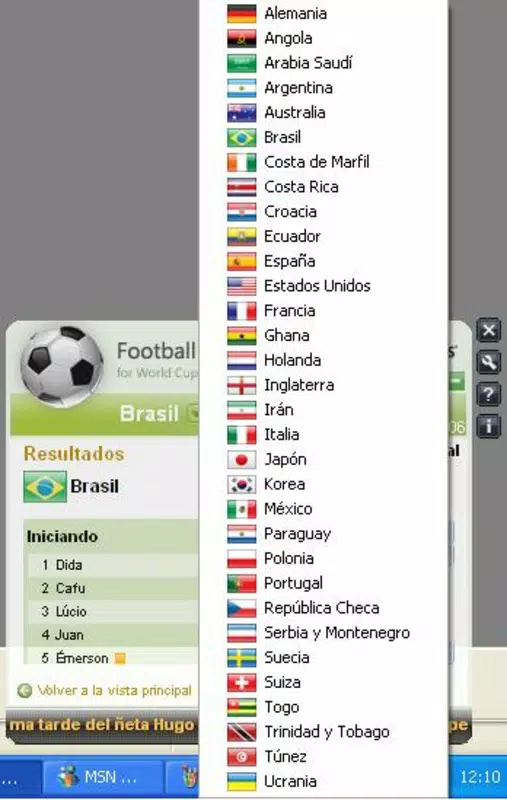
- Team Selection: With access to all 32 participating teams, users can filter content to focus only on their preferred national squads, reducing information overload and increasing relevance.
- Auto and Manual Update Options: The application supports both automatic refreshes and manual triggers, allowing users to balance real-time awareness with control over data usage and notification frequency.
- Work-Friendly Design: By operating in the system tray, the app remains unobtrusive, enabling users to check scores with minimal disruption to ongoing tasks or meetings.
For example, a user in New York can set their timezone to EST, view the latest match results from Germany, and instantly see how their favorite team performed—without leaving their desktop environment. Another user in Tokyo can monitor pre-match lineups and adjust their schedule accordingly. These features collectively enhance user engagement during high-stakes football events while maintaining productivity.
Interface, UX & Performance
Microsoft Football Scoreboard features a minimalist interface designed for efficiency and low visibility. The app resides in the system tray, with a compact icon that displays key match statuses at a glance. When clicked, it reveals a lightweight popup with essential data such as current scores, upcoming fixtures, and recent headlines. Navigation is straightforward: users access settings through a right-click menu, where they can adjust timezones, select teams, and manage update preferences.
Although the developer did not list formal performance metrics, the app’s design suggests optimization for low system resource usage. It is likely to run smoothly on older Windows systems, given its 2006 release date. The responsiveness of the interface appears consistent with lightweight desktop utilities, and stability is implied by its long-standing presence in the market. However, compatibility with modern operating systems is not confirmed, and users may encounter issues on newer versions of Windows without additional configuration.
Performance on different device categories cannot be verified due to limited technical details. The app’s reliance on RSS feeds means its responsiveness may vary based on the speed and reliability of external content sources. Users should expect consistent behavior during peak event times, but delays may occur if feeds are slow or temporarily unavailable.
Platform Compatibility & Technical Requirements
Microsoft Football Scoreboard is designed for Windows-based systems. The app was released on June 14, 2006, and is available in a version that supports older Windows operating systems. The file size is not specified in the provided data, but given its lightweight nature and system tray integration, it is likely to be under 10 MB. Specific requirements such as minimum OS version or processor specifications were not listed by the developer.
The developer did not specify minimum OS requirements, nor did they provide information on compatibility with current Windows versions. Users seeking to install the app on modern systems may need to run it in compatibility mode or verify its functionality through testing. No information is available regarding support for other platforms such as macOS, Android, or iOS.
Pros and Cons
Pros
- Real-time match updates via RSS feeds
- Timezone adjustment for accurate local timing
- Simple team selection for personalized content
- Low system resource usage and unobtrusive design
- Supports both automatic and manual update modes
Cons
- Compatibility with modern Windows systems is not confirmed
- Developer did not provide technical specifications or system requirements
- No mobile platform support (Android, iOS) mentioned
- Reliance on external RSS feeds may affect update consistency
- App is no longer actively maintained (last updated 2006)
FAQ
Is Microsoft Football Scoreboard still available for download?
The app was released in 2006 and is no longer officially supported. While it may still be accessible through third-party archives, users should exercise caution and ensure files are scanned for malware before installation.
Can I use this app on my current Windows version?
Compatibility with modern Windows versions is not guaranteed. The app may require compatibility mode or may not run at all on systems newer than Windows XP or Windows 7.
Does the app work on mobile devices?
There is no information indicating that Microsoft Football Scoreboard supports Android, iOS, or other mobile platforms. It is designed for desktop use on Windows.
How often does the app update match data?
The update frequency depends on the RSS feed source and the user’s selected update mode—automatic or manual. Automatic updates occur when the app checks for new data, while manual updates require user initiation.
Is the app secure to install?
As the app is no longer maintained, it may lack security updates. Users should only download it from trusted sources and scan files with antivirus software before installation.
Final Thoughts
Microsoft Football Scoreboard remains a niche but functional tool for football fans who value real-time, lightweight access to World Cup data. Its ability to deliver live scores, standings, and lineup updates directly from the system tray makes it a useful utility for those with limited time to follow games. While the app is outdated and not optimized for modern systems, its core features—timezone adjustment, team selection, and RSS-based updates—still offer value to dedicated fans.
For users seeking a secure, up-to-date experience, this app may not be the best choice. However, for those interested in historical software or testing compatibility on older systems, it provides a glimpse into early event-driven desktop utilities. The simplicity and focus on usability are commendable, even if the technology has aged.
Download Microsoft Football Scoreboard now


